Losing a debit card or noticing unusual transactions can be nerve-wracking. In the past, the only option was to permanently block the card through customer support—a step that often caused delays and required waiting for a replacement. But now, thanks to the Central Bank of India’s (CBI) Cent eeZ net banking platform, customers have a smarter choice: the ability to lock or unlock their debit cards instantly.
This convenient feature allows you to take immediate control of your card’s security—without cutting off access permanently.
What Makes This Feature Useful?
Instead of blocking your card forever, you can now:
- Temporarily disable your card if it’s misplaced.
- Reactivate it within seconds once it’s safe to use.
- Avoid the hassle of ordering a new card unnecessarily.
It’s a simple, stress-free way to protect your finances.
Steps to Lock and Unlock Your Central Bank of India Debit Card
Here’s a simple walkthrough for using this service through Cent eeZ Internet Banking:
Step 1: Go to the Central Bank of India Website

- Open your preferred browser and visit the official CBI website.
- Click on Internet Banking, then select Cent eeZ (Personal Banking).
Step 2: Sign In to Your Account

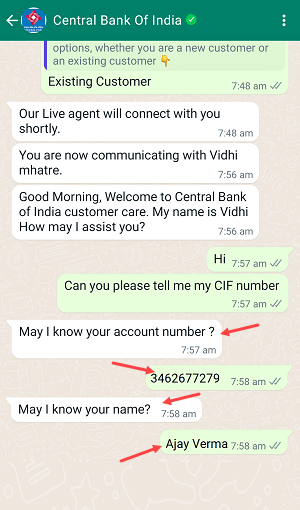
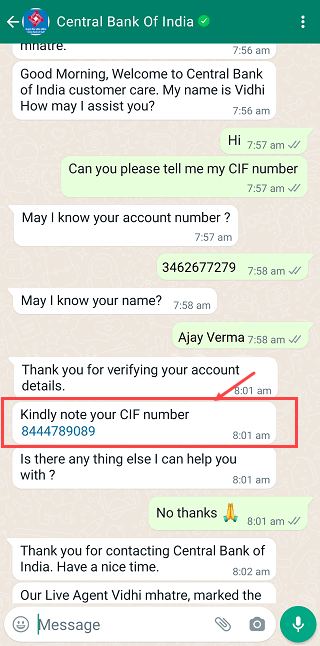
- Enter your User ID or CIF number.
- Fill in the captcha code and click Login.
- Provide your password, confirm your security image/message, and verify with the OTP sent to your phone.
Step 3: Access Card Management

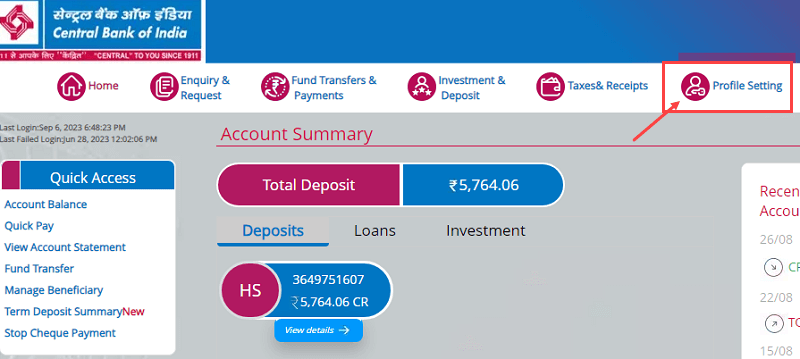
- Once logged in, you’ll see your account overview.
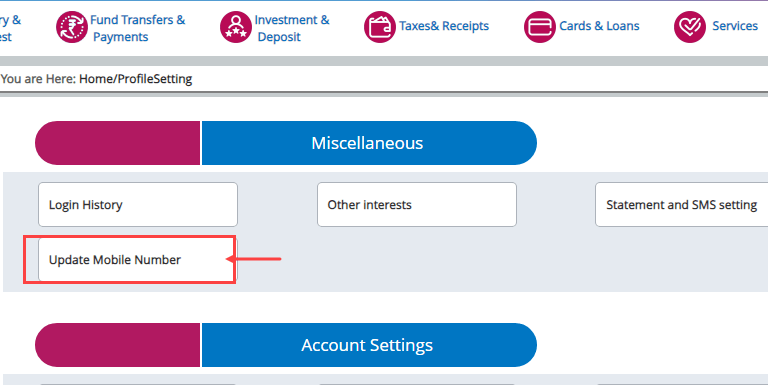
- Choose the Manage Debit Card option from the menu.
Step 4: Lock Your Card
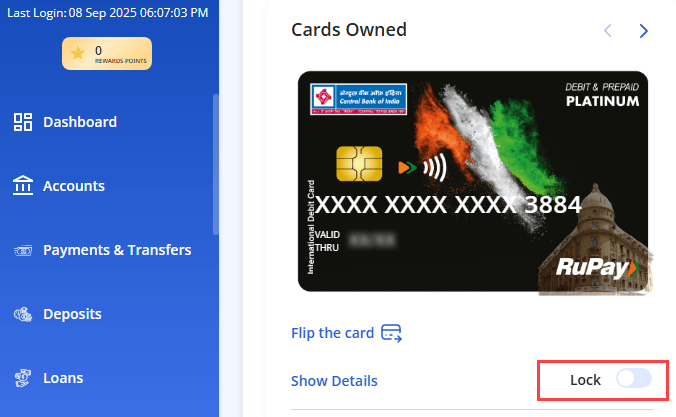
- Find your debit card details displayed on the screen.
- Switch the Lock toggle to activate security.
- You’ll immediately receive a confirmation that the card is locked and no transactions can take place.
Step 5: Unlock When Needed
- To make the card active again, simply revisit the Manage Debit Card section.
- Switch the toggle back to Unlock.
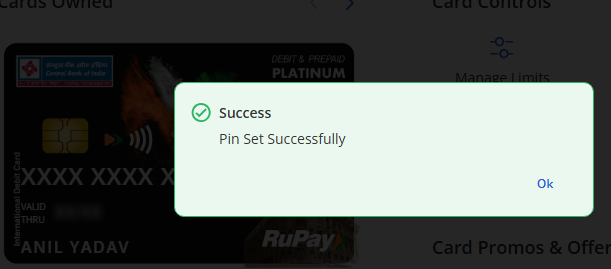
- A success message will confirm your card is ready to use.
Advantages of Temporary Card Locking
- Immediate protection in case of theft or misplacement.
- No downtime—you can unlock the card whenever you want.
- Completely free—Central Bank of India doesn’t charge for this facility.
- Seamless experience without needing to call the bank.
Frequently Asked Questions
Q1: Is locking the same as blocking?
No. Locking is temporary and reversible, while blocking is permanent and requires a new card.
Q2: How long does it take for the lock/unlock to apply?
It works instantly. Once you toggle the option, the status updates immediately.
Q3: Will my account stop receiving money if my card is locked?
Not at all. You’ll continue receiving deposits through UPI, IMPS, NEFT, and RTGS. Only debit card transactions are disabled.
Q4: Do I need to register before using this service?
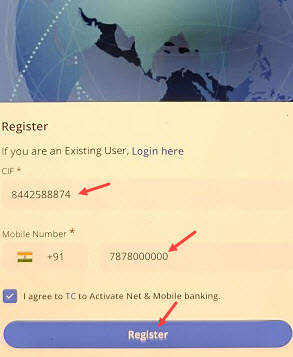
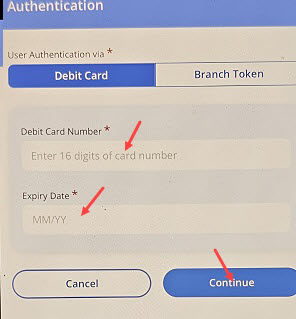
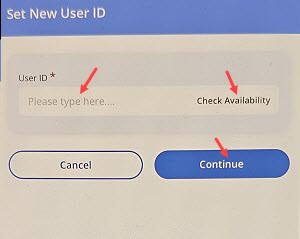
Yes. First-time users must complete a one-time registration on the Cent eeZ platform using their CIF, registered mobile number, and debit card details.
Conclusion
The lock/unlock debit card option by Central Bank of India is an excellent safety net for customers. It saves time, avoids unnecessary panic, and keeps your money secure without the hassle of permanently blocking your card. With just a few clicks, you can safeguard your finances anytime, anywhere.

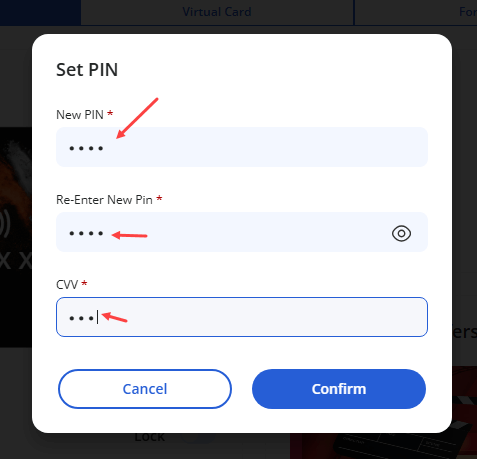
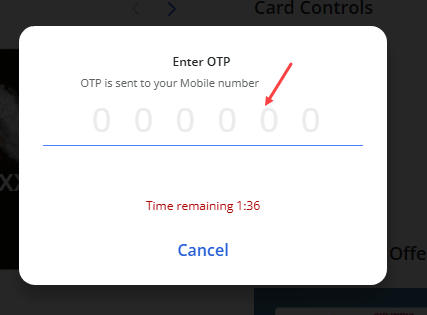


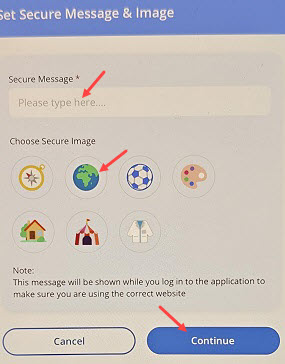
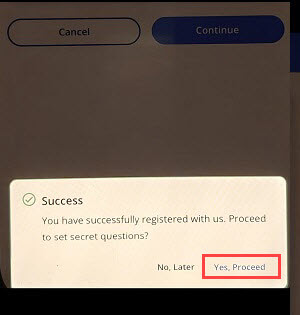

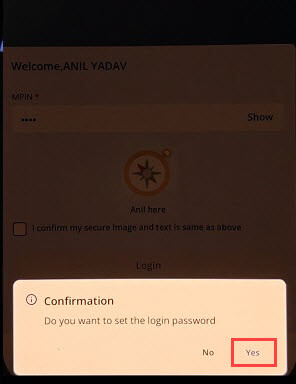
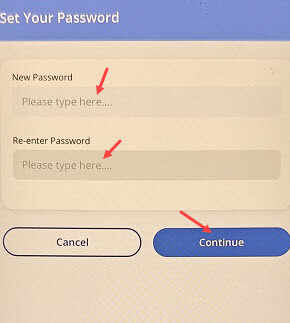
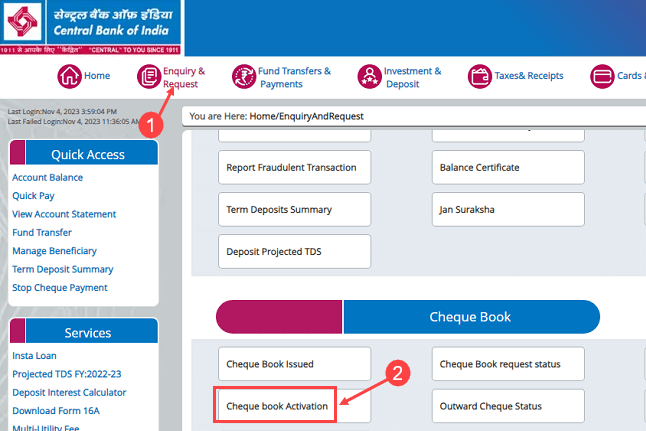
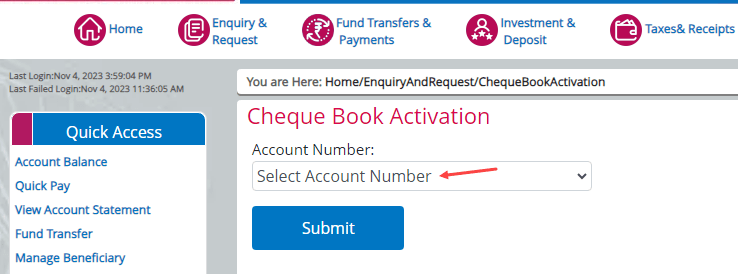
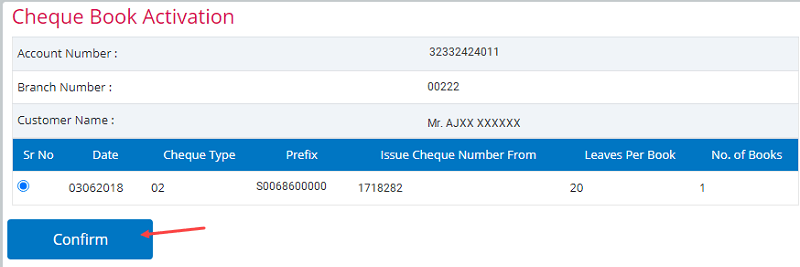
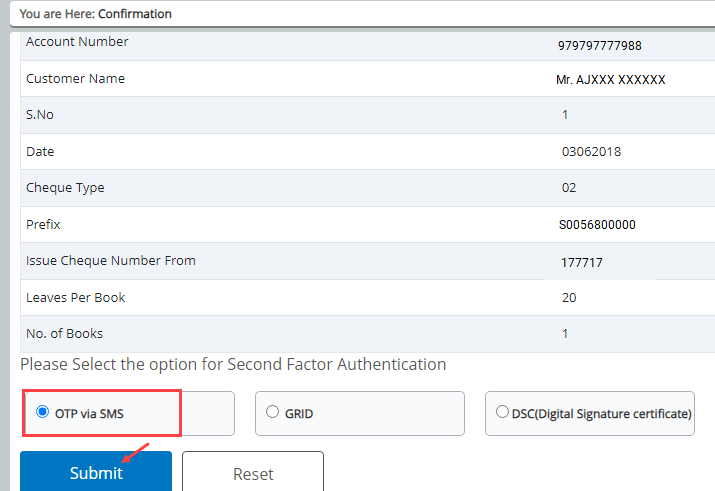
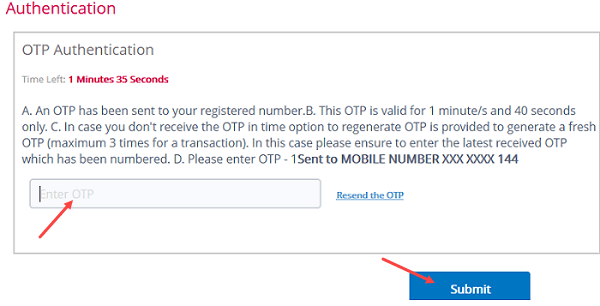
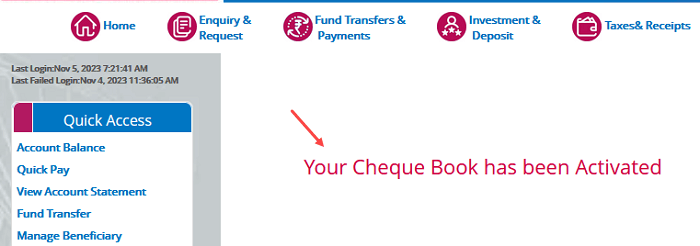
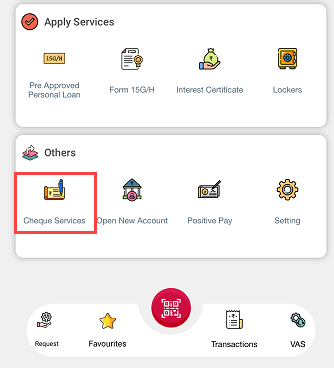
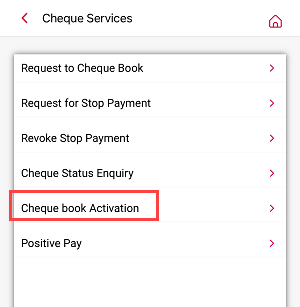 Rest all steps and same as we have discussed above, just select your new cheque book and activate it through OTP.