When it comes to transferring money securely and efficiently, NEFT (National Electronic Funds Transfer) is one of the most trusted options offered by HDFC Bank. This guide will help you understand the NEFT process, its benefits, transfer limits, and a step-by-step procedure to initiate a transfer via HDFC Mobile Banking.
What is NEFT?
NEFT is an electronic payment system that allows you to transfer funds from one bank account to another across India. It operates in batches, ensuring secure and reliable transactions.
Key Features of NEFT:
- Transfer Limits: HDFC Bank typically has no minimum transfer amount. Maximum limits may vary depending on your account type and daily transaction limit set by the bank.
- Processing Time: NEFT transfers are processed within one hour during banking hours. Transfers initiated after banking hours will be processed in the next available batch.
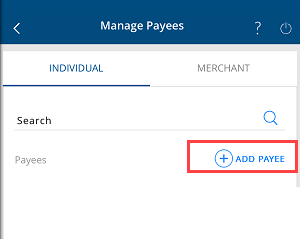
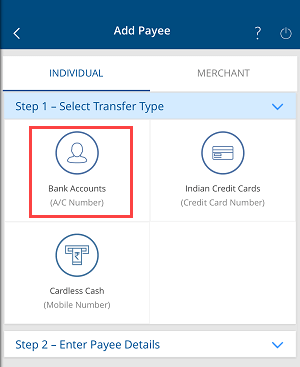
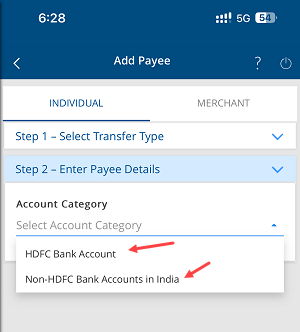
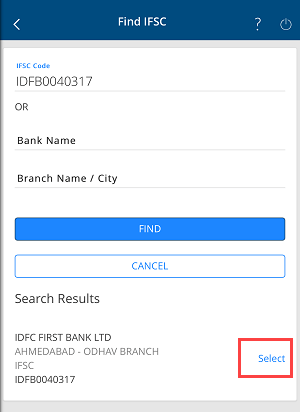
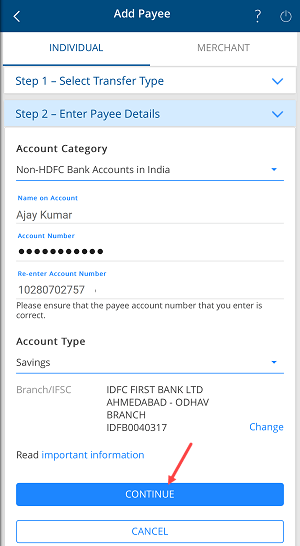
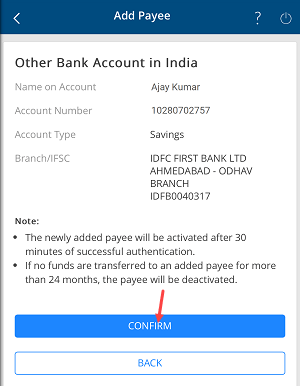
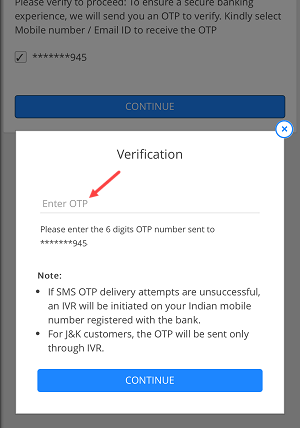
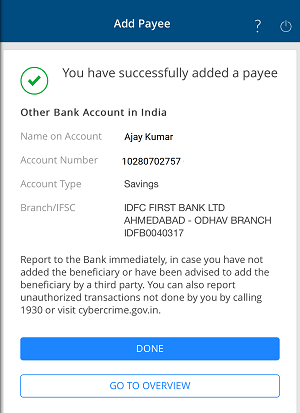
Before starting, ensure the payee’s bank account is added to your HDFC Mobile Banking account as a payee. Follow this guide to add a payee.
Steps to Transfer Money via NEFT on HDFC Mobile Banking
Once the payee is added and four hours have passed, you can transfer money using NEFT. Here’s how:
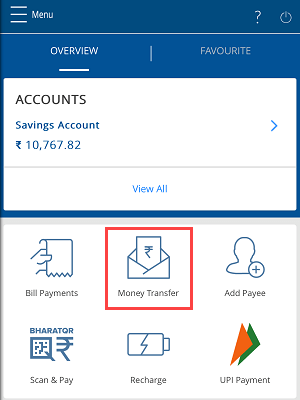
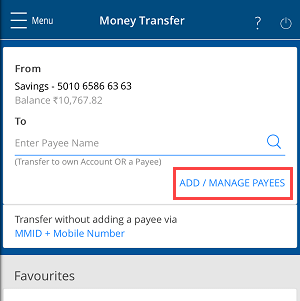
Step 1: Open the Money Transfer Tab
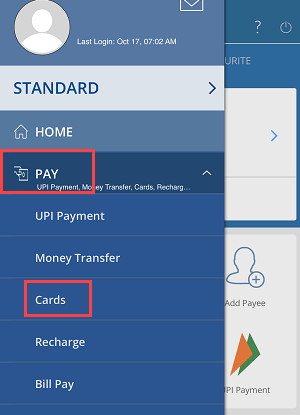
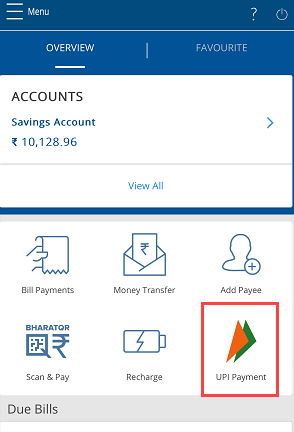
After logging into your HDFC Mobile Banking app, navigate to the Money Transfer tab.
Step 2: Access Payee Management
Tap on the Add/Manage Payee option to see the list of your registered payees.
Step 3: Select the Payee
Choose the payee to whom you wish to transfer money and proceed.

Step 4: Choose the Transfer Option
Click on Transfer to initiate the process.

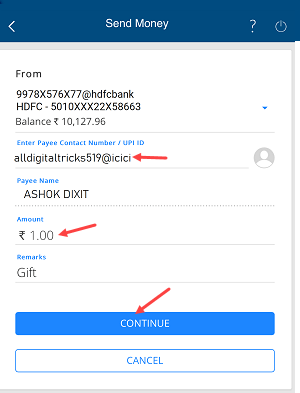
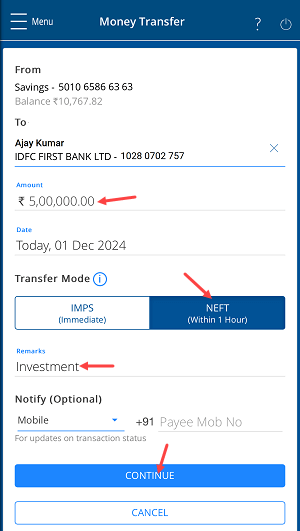
Step 5: Enter Transfer Details
- Input the amount you wish to transfer.
- Select NEFT as the transfer option.
- Provide a reason for the transfer in the remarks field.
- Click Continue.
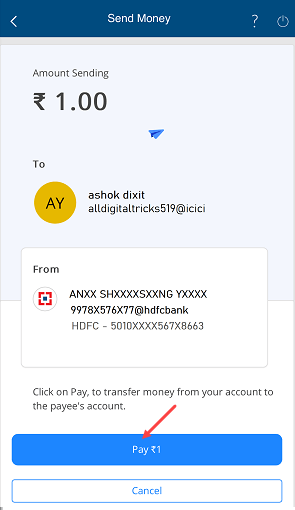
Step 6: Confirm the Transfer
On the confirmation screen, verify the details and press Confirm.

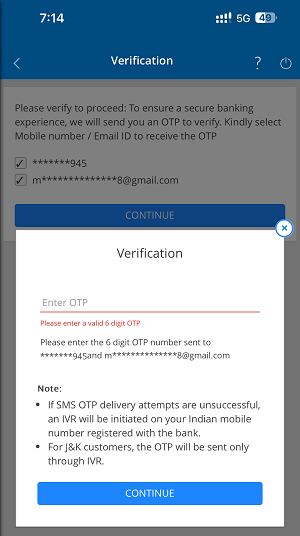
Step 7: Authenticate the Transaction
- Choose your mobile number and email ID to receive the OTP.

- Enter the OTP on the next screen and validate the transaction.
Step 8: Successful NEFT Transfer
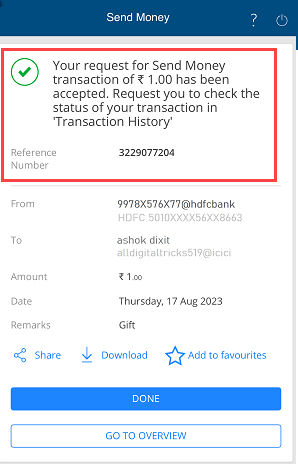
Congratulations! Your NEFT transfer is successful. The amount will be debited from your account and credited to the payee’s account within one hour.

Tip: Download the NEFT transfer receipt and share it with the payee to confirm the transaction.
How to Check NEFT Transfer Status
To track your NEFT transfer:
- Go to the Money Transfer section and check the History tab.
- Select NEFT to view all related transactions.

- Tap on the specific transaction to see its status.

If the status shows Executed, the amount has been successfully credited to the payee’s account.
By following this guide, you can seamlessly transfer funds via NEFT using HDFC Mobile Banking. Ensure you double-check all details before confirming the transaction for a hassle-free experience.